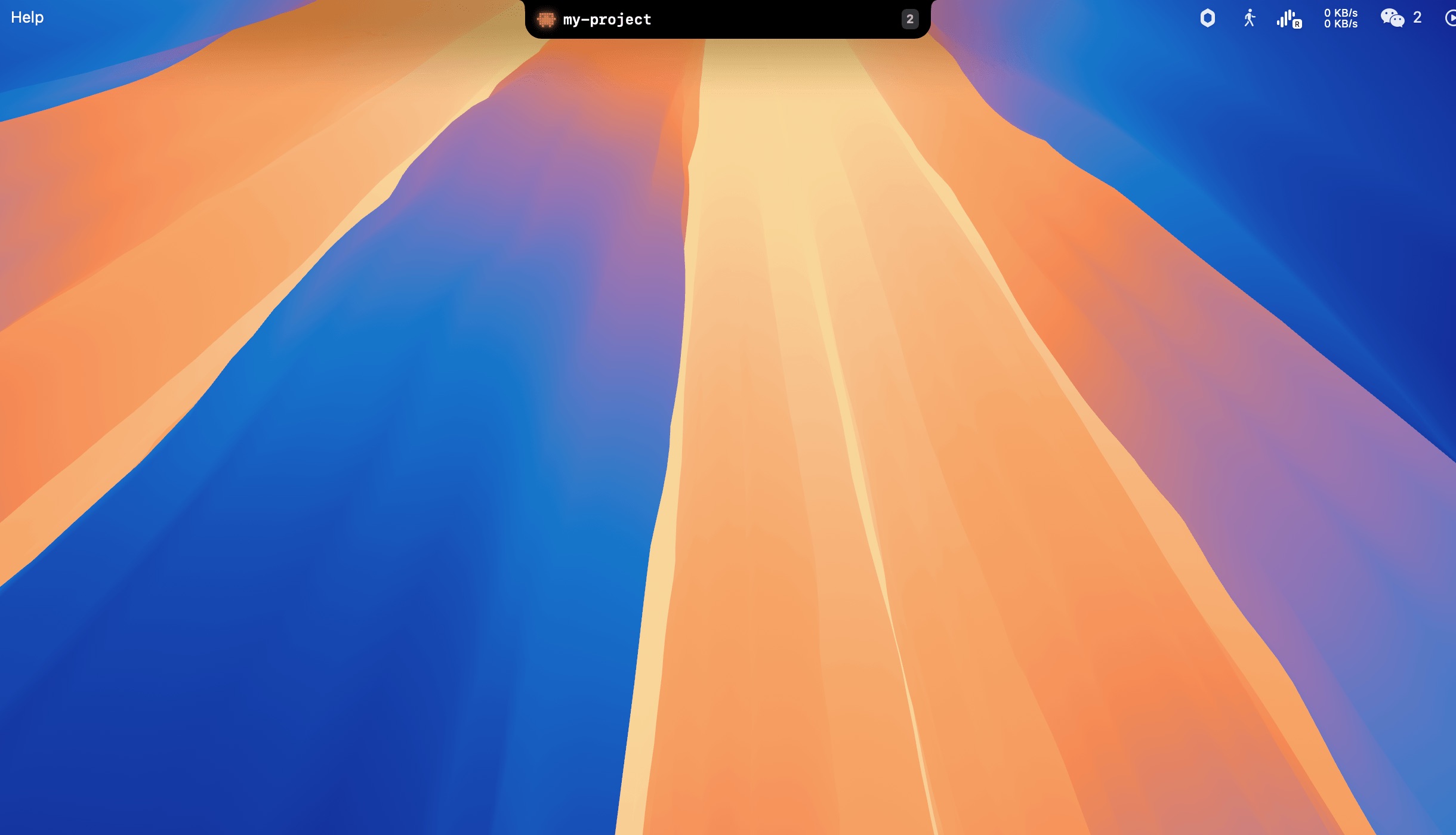
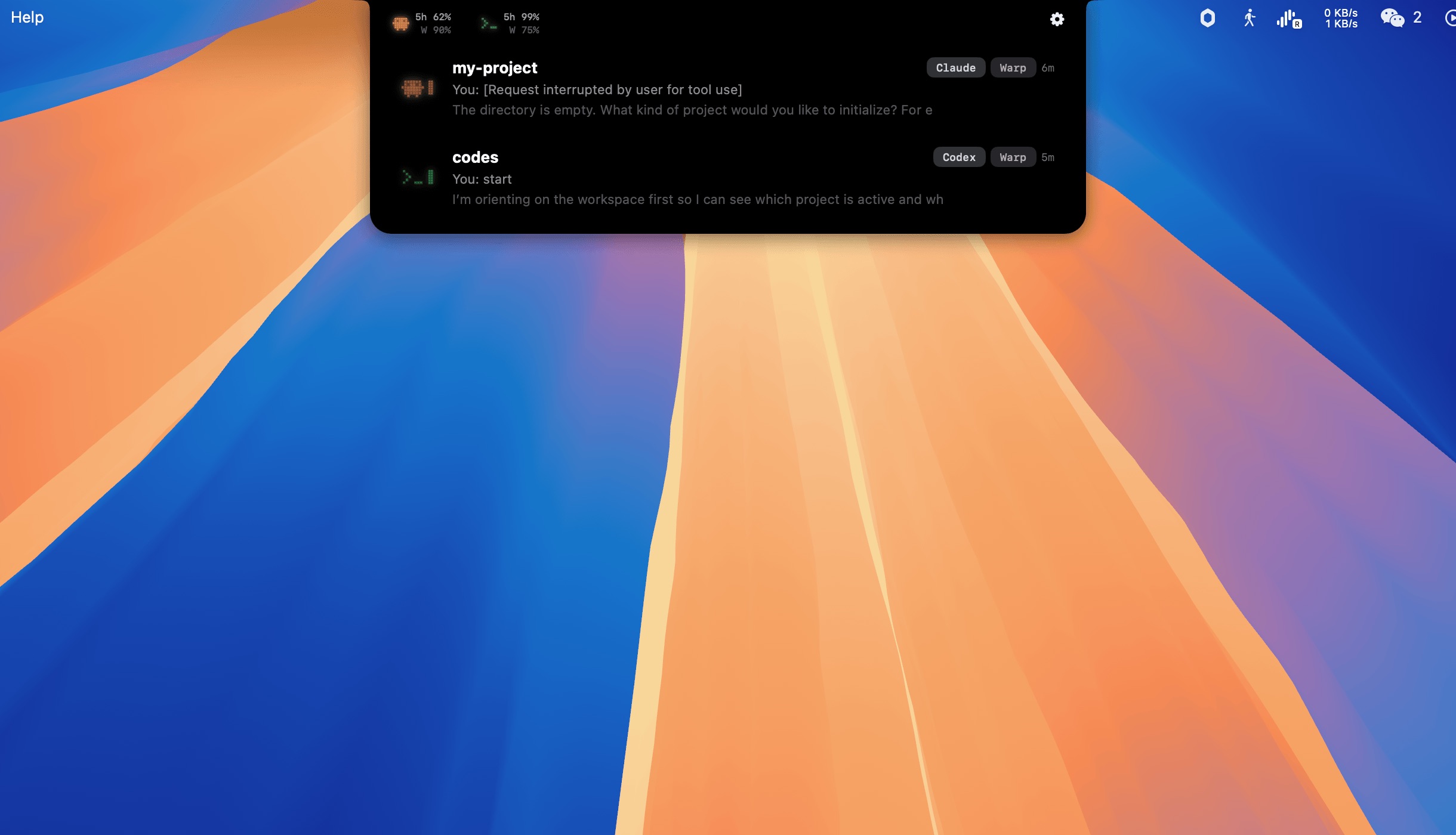
◉Live Session Monitoring
See every Claude Code and Codex session running on your machine. Status, current tool, elapsed time — updated in real-time via hooks.
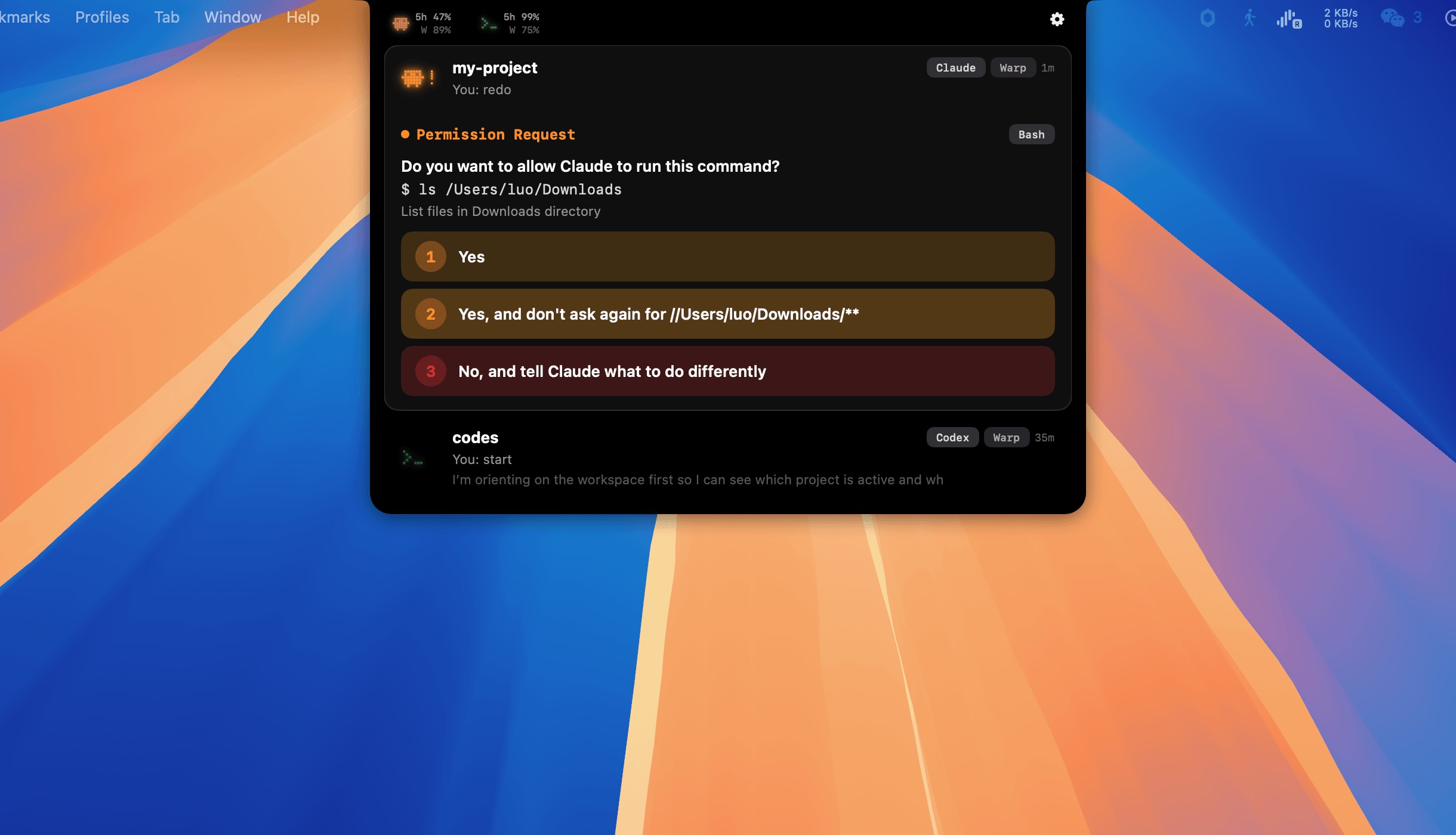
⚠Permission Routing
Intercepts permission prompts and shows them in a native banner. Allow, deny, or allow-always without switching to the terminal.
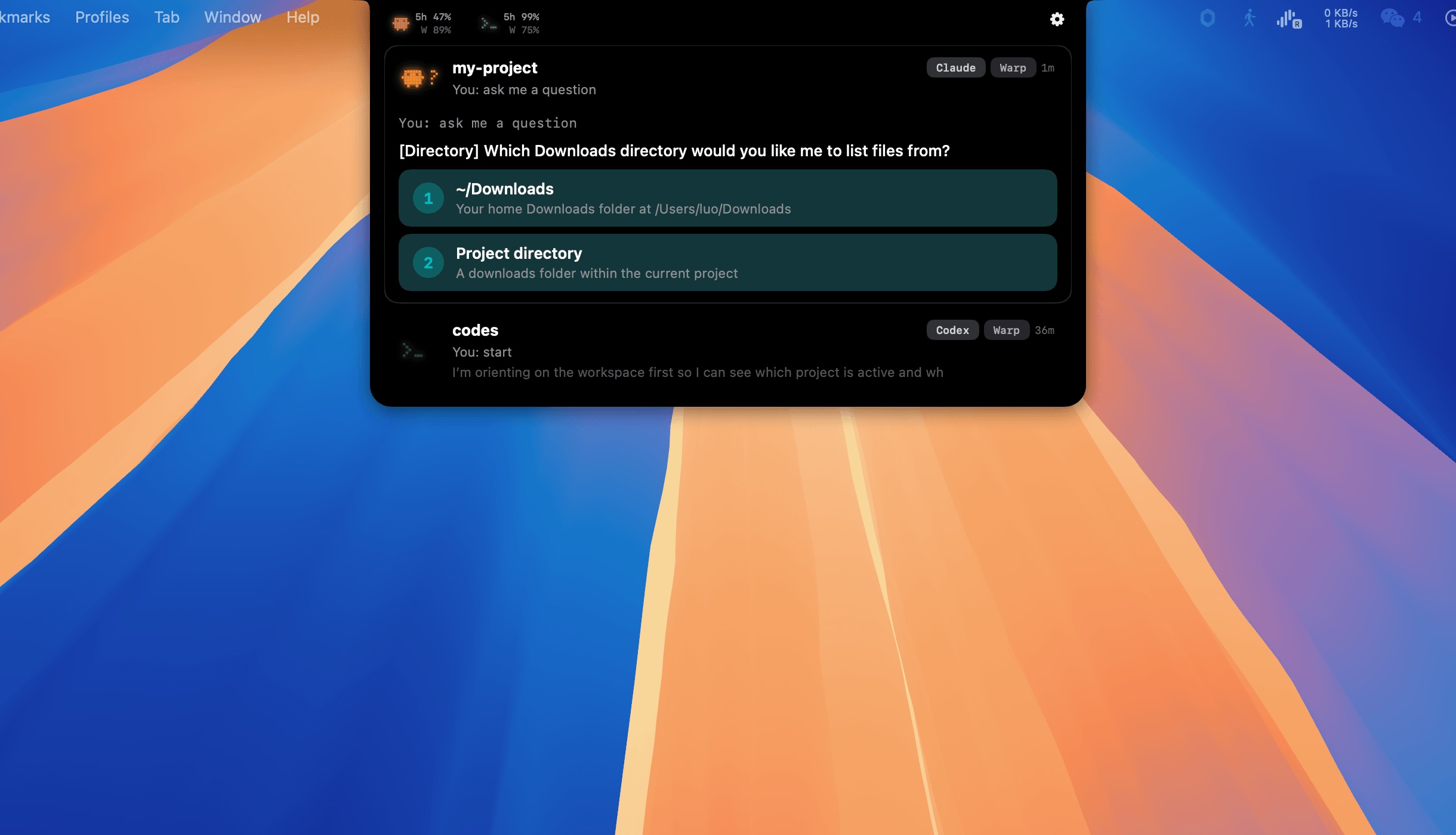
❓Question Answering
When Claude asks a question, see it in the notch panel with clickable options. Answer directly from the UI.
⏱Usage Tracking
Monitor your 5-hour and weekly rate limits for both Claude and Codex. See remaining percentages at a glance with reset time estimates.
▶Terminal Jump
Click any session to jump directly to its terminal window. Supports Warp, Ghostty, iTerm2, VS Code, and Terminal.app.
♫Sound Notifications
Customizable sound effects for permissions, questions, and completions. Mario, Pop, or Chime presets — or import your own.